
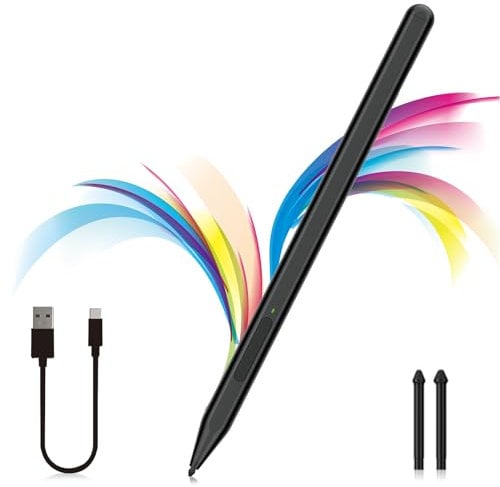
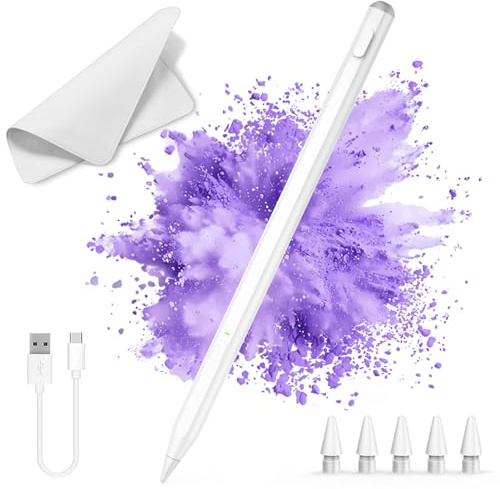
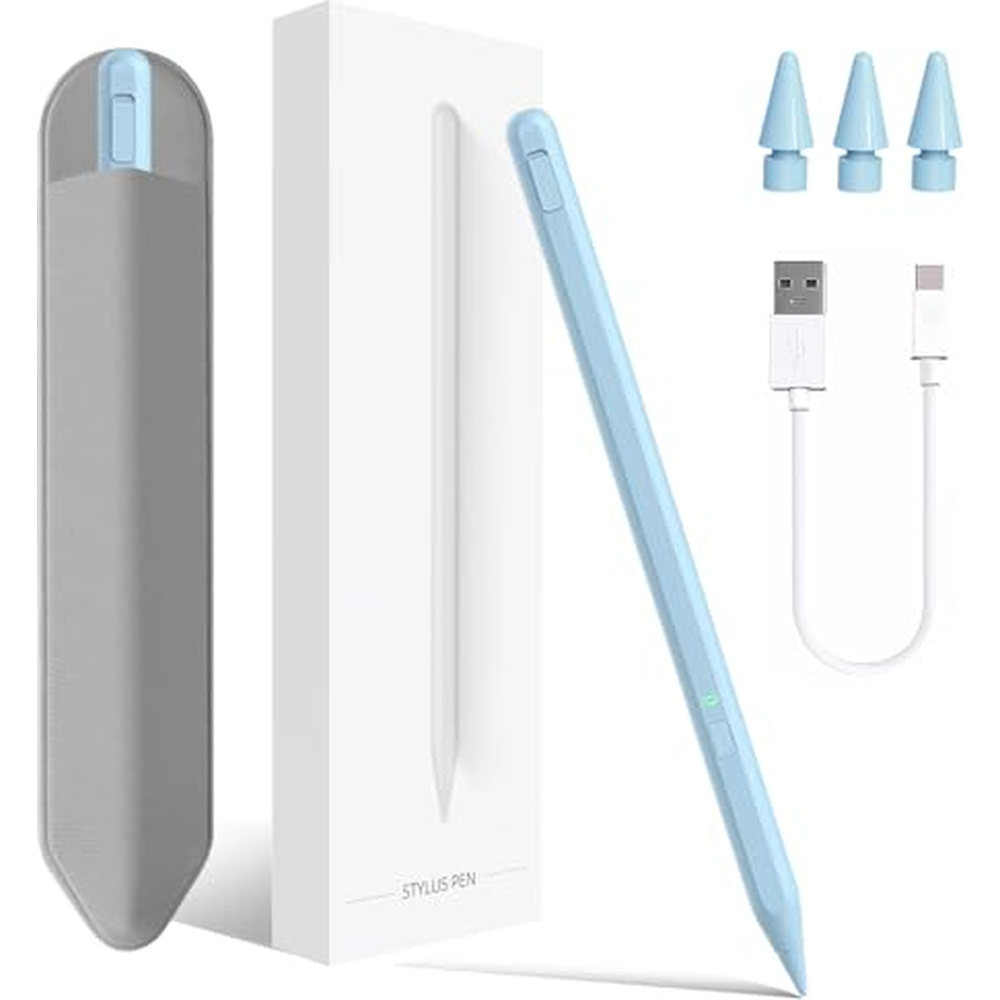
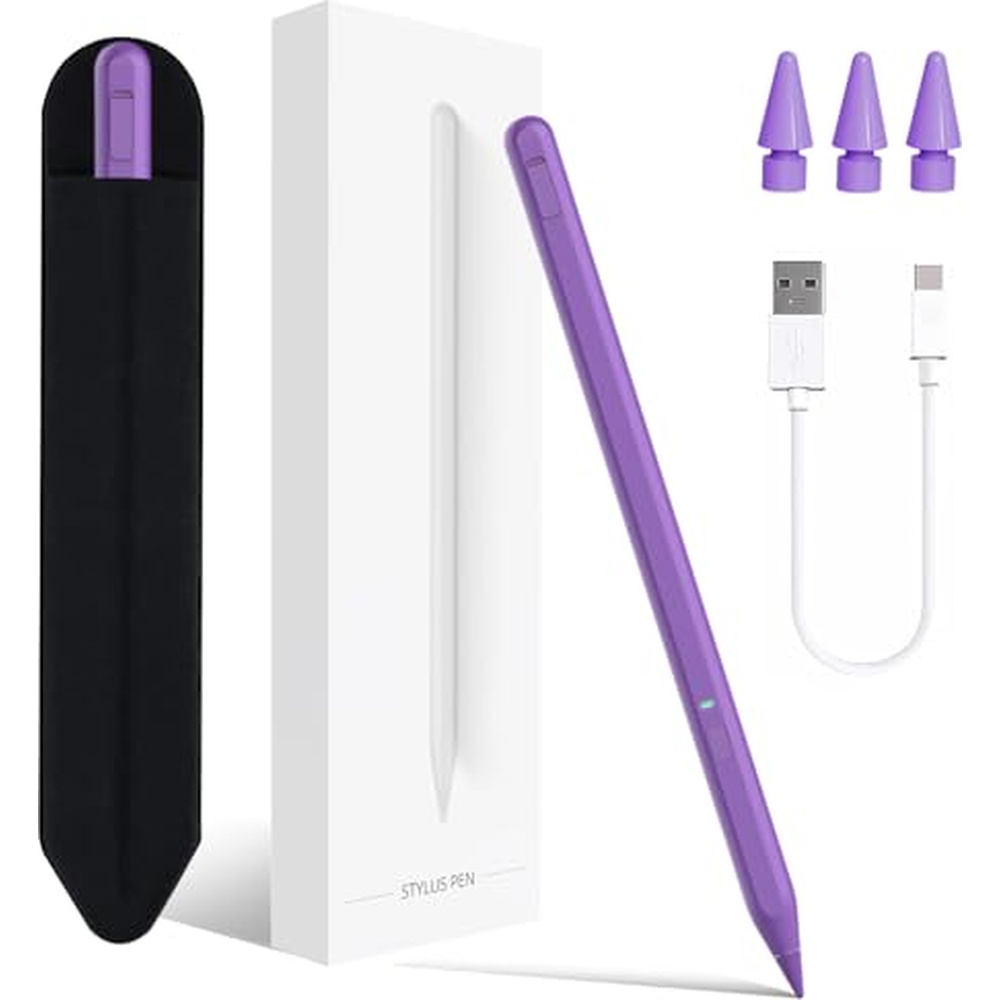
Stylus Pen for Microsoft Surface Pro11/10/9/8/X/7+/6/5/4/3,Surface Go 4/3/2/1,Surface Laptop 1-6/Studio/Book 3/2/1 with Eraser Side Button,Palm Rejection,Tilt Function,1024 Pressure (Black)
Offer

£ 16.14
free shipping | 1-2 Days
go to shop
Colour:

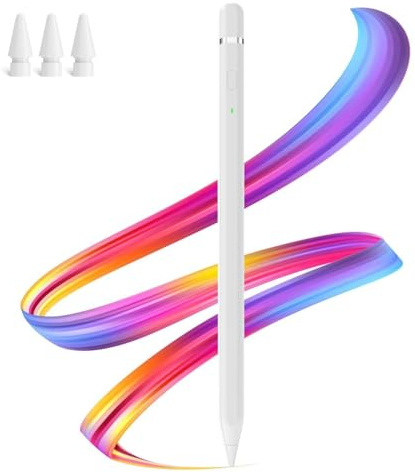
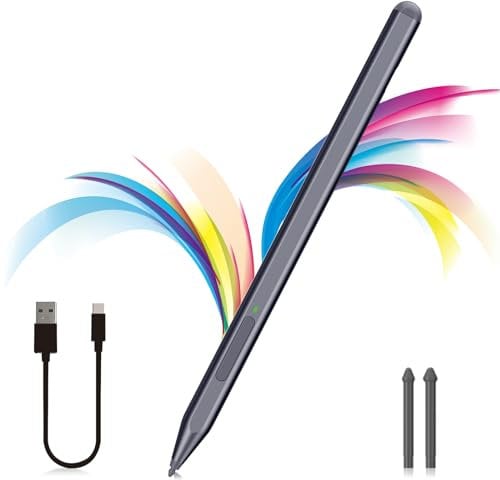
Product description
- 【Fast Charge &Smart Standby】Enjoying Milikilo's leading Type-C fast charge and longer battery life, Stylus F97 only takes 40 minutes to fully charge for 80 hours of battery life.Automatically turn in "Sleep Mode" if idle for 10 minutes to save power.Perfect for students, business professionals, and creators who take notes and draw frequently.
- 【eraser and right-click functions&2 replaceable pen tip】Fine control with 1024 pressure points. Milikilo Surface Pen has a CNC and gold-plated nib that provides a smooth, crisp line . The Surface Pen comes with eraser and right-click functions, the lower key is the eraser, and the upper key is the right mouse button.which helps you to improve your work efficiency.Easy to Replace Tip:2 extra nibs for easy replacement at any time.
- 【Palm Rejection & Magnetic Design】F97 surface pen with palm rejection,allowing you to comfortably rest your hand on the screen while creating. The magnetic design enables the surface pen to be securely attached to the tablet, making it more convenient to store and locate while in use.
- 【Tilt Function&Premium Feel】 F97 surface pen has a tilt and thickness feature that enables the line to become thicker as the pen is tilted at a larger angle. This is especially useful for creating precise outlines and shading, making it ideal for drawing purposes. Note: Tilt sensitivity compatibility depends on the application and pen brush.Differ from the old-fashioned styluses,F97 surface pen aluminum-alloy seamless body with a flat surface on both sides makes it more comfortable to grip and more likely to stay put on the desk.
- 【Wide Compatibility】This magnetic stylus pen is designed for Microsoft Surface Pro 3-11, Laptop 1-6, Book 1-3, Studio, and Go 1-4. No more losing your stylus ! Note: This Microsoft Pen is not compatible with Surface Laptop 7 Surface Laptop Go series, Laptop SE/Surface Hub 2s.
- F97 compatible with Microsoft devices running MPP 1.51and MPP 2.0. However, for devices above MPP2.5, due to the si
You might also be interested in these laptops.
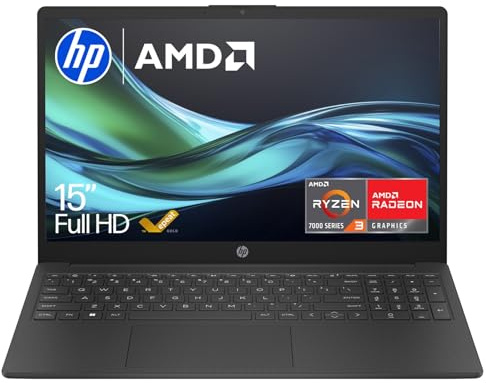
HP 15.6” Laptop | AMD Ryzen 3 7320U | 8GB RAM | 256GB SSD | Full HD Screen | Anti-glare | AMD Radeon Graphics | Fast Charge | Dual Speakers | Windows 11 | Up to 11.25hrs Battery | Charger Included
A POWERFUL, SLEEK LAPTOP FOR GETTING THINGS DONE EVERYDAY: The HP 15.6" Laptop PC comes feature-packed for productivity and making your wallet - and the planet - happy.
£ 434.99
free shipping
To the product (3 offers)
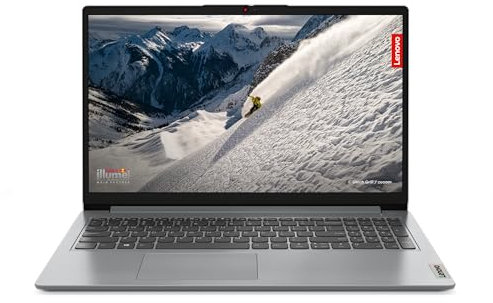
Lenovo IdeaPad 1 | 15 inch Full HD Laptop | AMD Ryzen 5 7520U | 16GB RAM | 512GB SSD | Windows 11 Home in S mode | Cloud Grey
Take care of your privacy with Camera privacy shutter The IdeaPad 1 packs responsive performance in a thin and compact 17.9 mm chassis, making multitasking on-the-go a breeze The 15.6-inch Full HD (1920x1080) TN 250 nits Anti-glare display and integrated AMD Radeon 610M Graphics Stay always connected with Bluetooth and Wi-fi 6. Work from anywhere with 11 hours of battery life and with High-Definition Audio Boost your performance with AMD Ryzen 5 processor with 16GB RAM and 512GB of storage
£ 669.99
free shipping
To the product (4 offers)
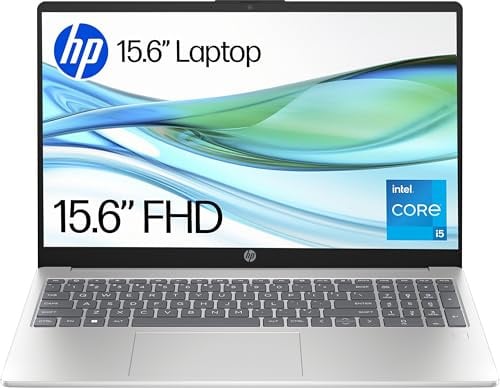
HP 15.6" Laptop | Intel Core i5 i5-1334U Processor | 16 GB RAM | 512 GB SSD | Intel Iris Xᵉ Graphics | FHD Display | Up to 9.75 hrs battery | Windows 11 | Dual Speakers | Natural Silver | 15-fd0072sa
A RELIABLY BUILT LAPTOP TO KEEP YOU IN THE ZONE: The HP 15.6" Laptop PC empowers you to do more with the reliable power of an Intel Processor, plus ample storage, and powerful graphics in a sleek, thoughtfully designed device. Created for wherever the day takes you and built with ocean-bound and post-consumer recycled plastics, it’s easy to show some love for the planet.
£ 419.00
free shipping
To the product (1 offer)

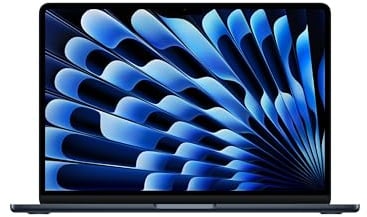
Apple MacBook Air 13-inch Laptop M5 chip with 10-core CPU and 8-core GPU: Built for AI, 13.6-inch Liquid Retina Display, 16GB Unified Memory, 512GB SSD, 12MP Center Stage, Touch ID, Wi-Fi 7; Midnight
MIGHT TAKES FLIGHT — MacBook Air with the M5 chip packs blazing speed and powerful AI capabilities into an incredibly portable design. With Apple Intelligence,* up to 18 hours of battery life* and fast SSD storage starting from 512GB,* you can work, create and play anywhere life takes you.
£ 1,148.95
free shipping
To the product (17 offers)
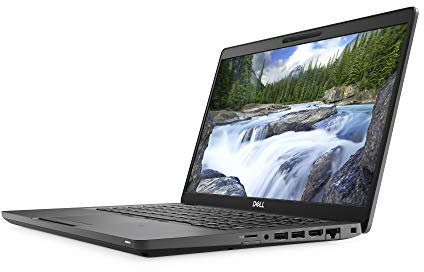
Dell Latitude 5400 14.0" Laptop, Intel i5-8365U, 16GB Ram, 512GB SSD, Windows 11 Pro, Black (Renewed)
Dell Latitude 5400 14.0" Laptop, Intel i5-8365U, UK QWERTY, Windows 11 Pro, Black
£ 242.00
free shipping
To the product (1 offer)

Dell Latitude 5400 14.0" Laptop, Intel i5-8365U, 16GB Ram, 256GB SSD, Windows 11 Pro (Renewed)
Dell Latitude 5400 14.0" Laptop, Intel i5-8365U, UK QWERTY, Windows 11 Pro, Black
£ 215.62
free shipping
To the product (1 offer)
38% off
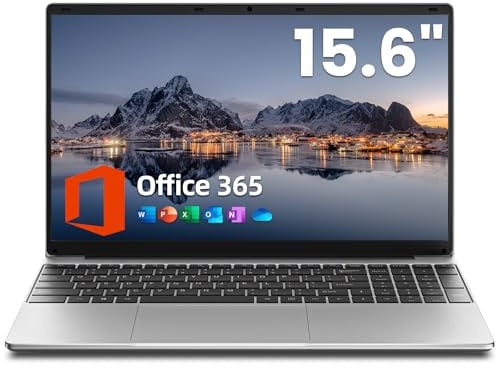
jumper 15.6 inch Laptop with Office 365, 4GB RAM 128GB Storage, 1080 HD Display Laptops, 5205U Processor, USB3.0, 38Wh Battery, Portable Laptops for Business, School, and Work, Keyboard Film UK.
4GB RAM+128GB Storage+512 TF Card: The S7-Hi laptop comes with 4GB of high-speed RAM, 128GB storage, and 512GB of TF card expansion, giving you plenty of room to run a variety of programmes and applications smoothly
£ 229.99
free shipping
To the product (1 offer)
7% off
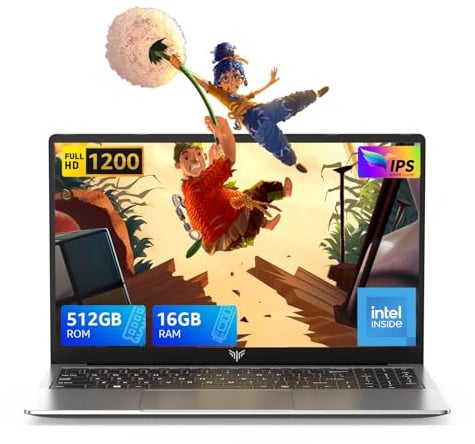
Tivique 2026 15.6 Inch FHD Laptop 12th Gen N95 Quad-Core (Processor Up to 3.4GHz) - 16GB DDR4 RAM 512GB M.2 SSD, Support Dual-Band WiFi, HDMI,USB 3.2, BT 5.2, 1200 16:9HD Display,5000mAh Long-Battery
【Unleash Next-Level Performance with 12th Gen Processor】Experience a major speed boost with the TIVIQUE LX15 Laptop. Powered by the latest 12th Gen Alder Lake N95 processor (4 Cores, up to 3.4GHz), it performs over 30% faster than the previous N5095 generation. Handle daily tasks effortlessly, while the integrated UHD Graphics (up to 1200MHz) delivers smooth visuals for work, streaming, and light entertainment.
£ 399.99
free shipping
To the product (1 offer)

HP Chromebook 14" | Intel N100 Processor | 4GB RAM | 128GB UFS | Intel UHD Graphics | Anti-glare | Up to 12 Hrs Battery | Chrome OS | Dual Speakers | Silver | 14a-nf0002sa | Charger Included
Chromebooks run ChromeOS, the fast, secure operating system from Google.
£ 277.77
free shipping
To the product (2 offers)
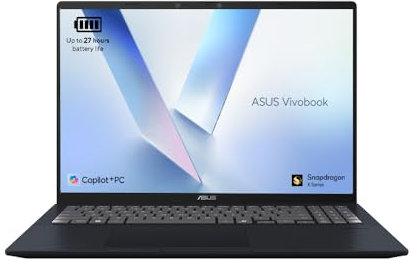
ASUS Vivobook 16 X1607QA CoPilot+ Laptop | 16.0" WUXGA Screen | Qualcomm Snapdragon X1-26-100 Processor | 16GB RAM | 512GB SSD | 19 Hours Battery Life | Windows 11
Powered by Qualcomm's Snapdragon X1-26-100 Processor Next Generation AI PC with Microsoft Co-Pilot+ 16.0" WUXGA (1920x1200) 16:10 Screen 16GB RAM, paired with 512GB PCIe SSD Windows 11 Home Operating System
£ 657.75
free shipping
To the product (1 offer)


HP Stream 14” Laptop | Black | Intel N4120 Processor | 4GB RAM | 64GB eMMC | Intel UHD Graphics | Anti-glare | Fast charge | Dual speakers | Windows 11 | 12M Microsoft 365 Personal | Charger Included
THIN, DEPENDABLE LAPTOP WITH AN EXPANSIVE SCREEN: Stay connected to what matters most with long-lasting battery life and thin and portable, micro-edge bezel design.
£ 235.00
free shipping
To the product (2 offers)
5% off
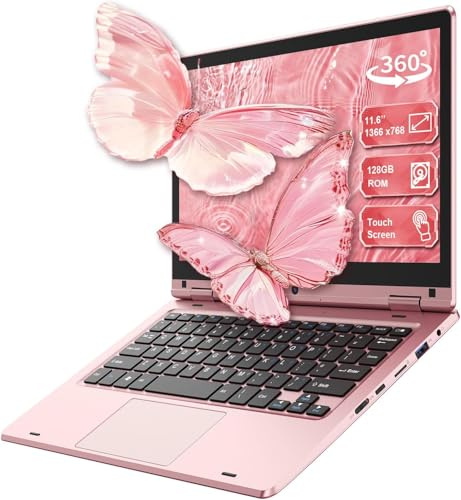
LEEDOW 11.6 inch Laptop 6GB RAM 128GB SSD, 360° Foldable Touchscreen Laptop Celeron N4020, Laptop Computer Support TF Card, 2.4G/5G Dual-Band WiFi, Bluetooth, USB 3.0 * 2 for Work, Education, Travel
LEEDOW
£ 189.99
free shipping
To the product (1 offer)